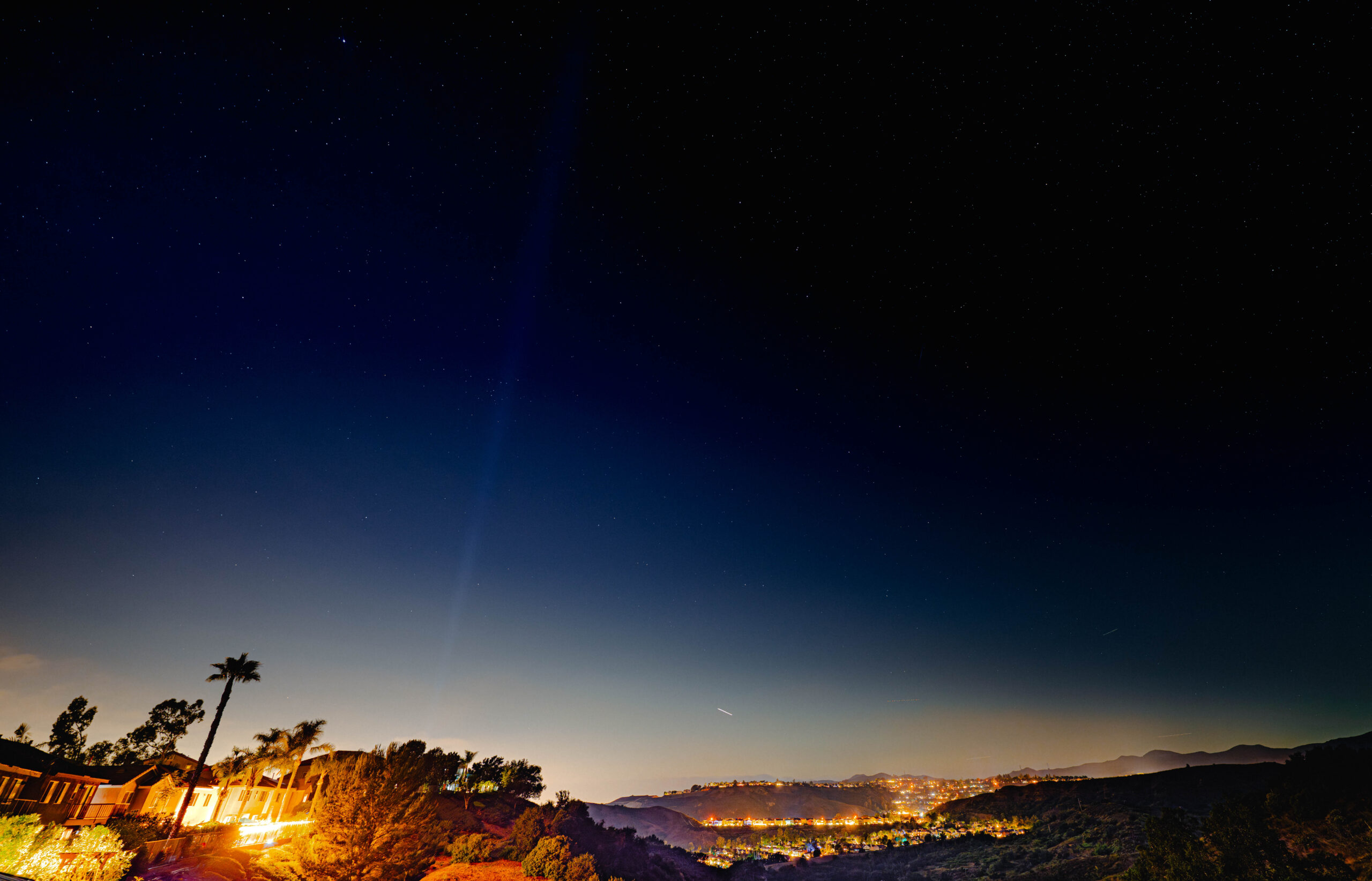

Follow these steps to get the most out of your photos.
- In the Basic module, adjust the image’s overall color temperature and tint. (Deep space is inherently black with a color temp of around 3800K-4200K.)
- Make adjustments to image exposure and contrast, making targeted adjustments to whites, blacks, highlights and shadows instead of global exposure and contrast adjustments.
- HSL/Color. Use to reduce effects of yellowish skyglow along horizon by reducing the saturation level of the yellow and orange channels. Use to reduce effects of any errant red light from headlights by reducing saturation of the red channel.
- Detail tool for reducing luminance and color noise. To reduce the noise, slide the Luminance slider in the Detail module to the right. Be careful, don’t overdo it. It’s easy to go too far and make the image unnaturally smooth.
- Sharpening slider can be decreased to near zero to reduce noise levels.
Lens Corrections
- Adjust minor distortions out of lenses with focal lengths of 24mm or higher.
- Apply or remove a custom vignette.
- Remove green or orange haloes around stars.
Transform tool.
- Can be used to correct the natural disortion of some wide angle lenses. Reshape ovalized star trails by adjusting the image’s vertical perspective and cropping.